


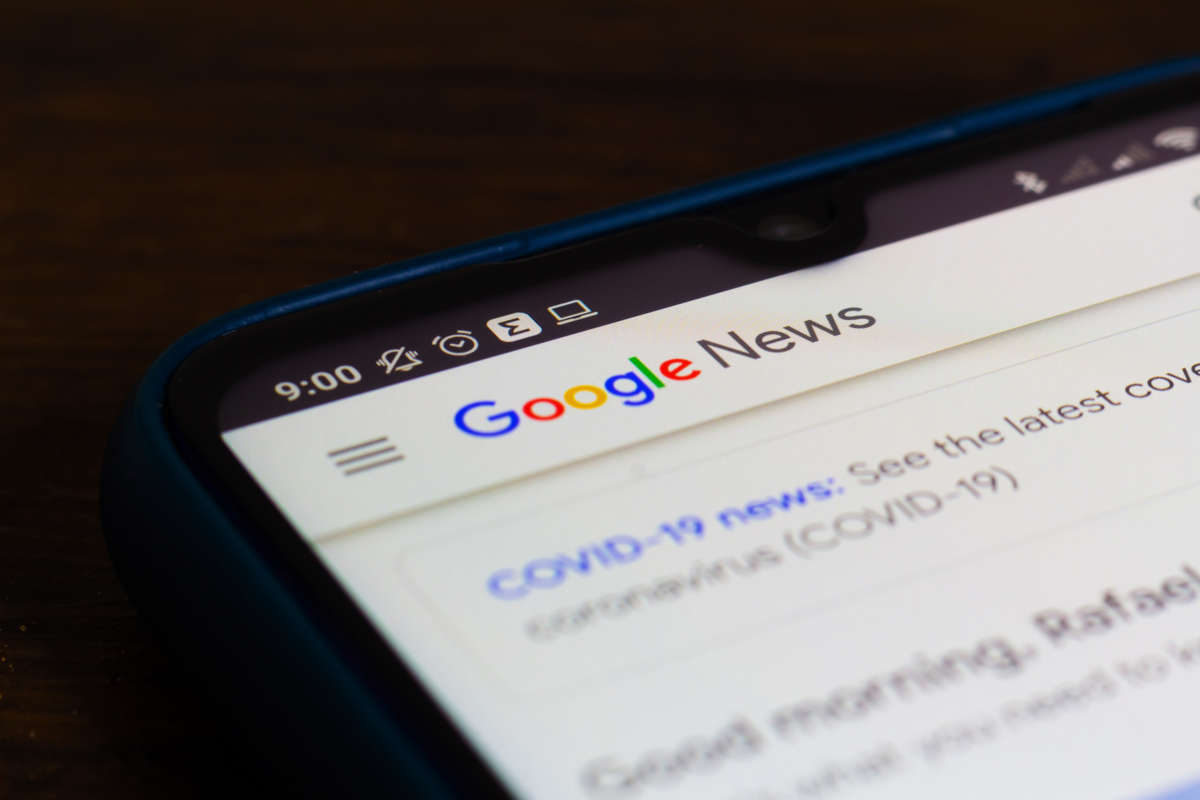
Keeping up with the world can feel like drinking from a fire hose. Headlines pile up every minute, and it’s easy to miss what actually matters. That’s where Google News comes in. It’s a free news aggregator built by Google that pulls stories from thousands of sources and organizes them into one clean, personalized feed.
If you’ve ever wondered how to use Google News more effectively, you’re in the right place. This guide breaks down exactly how the platform works, why it’s still one of the best tools for staying current in 2026, and how to avoid the small mistakes that quietly waste your time. Whether you’re a casual reader or someone who needs reliable information for work, Google News can become your daily starting point once you know how to set it up properly.
By the end of this article, you’ll know how to customize your feed, spot trustworthy sources, and use Google News alongside AI tools like Gemini and ChatGPT for deeper research.
What Is Google News and How Does It Work?
Google News is not a publisher. It doesn’t write its own stories. Instead, it uses algorithms to scan articles from verified outlets around the world and rank them based on relevance, recency, location, and your reading habits. The result is a feed that feels tailored to you, even though the underlying content comes from thousands of independent newsrooms.
The platform organizes content into sections like Top Stories, For You, Local, and topic-based categories such as Business, Technology, Sports, and Health. This structure makes it easier to scan headlines quickly without getting lost in an endless scroll.
How Google News Personalizes Your Feed
Google pays close attention to what you click, follow, and search. Over time, it builds a profile of your interests and adjusts the feed accordingly. You can speed this process up manually by following specific topics, sources, or even individual journalists. The more signals you give it, the sharper your feed becomes.
This personalization is a big reason Google News outperforms simply visiting one or two news websites directly. Instead of hoping your favorite outlet covers a story, you get the same story from multiple angles, which naturally improves how well you understand any given issue.
Why Google News Still Matters in 2026
With so many AI chat tools now summarizing the news, some people assume aggregators like Google News are becoming less relevant. The opposite is actually true. As AI-generated summaries spread across search engines and chat assistants, having a direct line to original, verified reporting matters more than ever.
Google News also acts as a check against misinformation. Because it pulls from established, fact-checked publishers, it’s generally more reliable than unverified social media posts. That reliability is exactly why AI systems, including Google’s own AI Overviews, often reference news aggregators when answering current-events questions.
Key Benefits of Using Google News
- Speed — Breaking stories appear within minutes across multiple outlets, so you rarely miss major developments.
- Variety — You see coverage from left-leaning, right-leaning, and neutral sources, which helps reduce bias.
- Customization — Following topics and locations means your feed evolves with your interests.
- Free access — Unlike many individual news sites, Google News itself carries no paywall, though some linked articles do.
- Offline reading — The mobile app lets you save stories to read later without an internet connection.
Common Mistakes People Make With Google News
Even experienced users fall into a few traps that limit how useful the platform can be.
- Never customizing the feed. Leaving everything on default settings means you’re stuck with generic, broad coverage instead of content that actually matches your interests.
- Ignoring the “Following” tab. Many users don’t realize they can follow specific topics, teams, or writers, which is the fastest way to build a sharper feed.
- Treating every headline as equal. Not all sources have the same editorial standards. It’s worth checking the “About this source” panel before trusting a story fully.
- Skipping local news settings. Google News can surface hyperlocal stories, but only if your location settings are accurate and enabled.
- Relying on headlines alone. Skimming without reading the full article can lead to misunderstanding nuanced stories, especially on complex topics like finance or health.

Expert Tips for Getting the Most Out of Google News
Here are a few practical habits that make a noticeable difference:
- Set up a daily briefing by enabling notifications for two or three topics you genuinely care about, rather than everything.
- Use the search bar inside Google News instead of a general web search when you want news-specific results only.
- Cross-check breaking stories across at least two sources before sharing them, especially during fast-moving events.
- Combine Google News with an AI assistant for deeper context — ask it to summarize background on a topic, then read the original reporting for accuracy.
- Periodically review and unfollow topics that no longer interest you to keep the feed relevant.
Using Google News on Mobile vs Desktop
The mobile app tends to offer a more personalized, swipe-friendly experience with push notifications, while the desktop version is better for scanning multiple stories side by side. If you read news throughout the day in short bursts, the app is more convenient. If you’re doing research or writing, the desktop layout makes comparison easier.
Google News vs Other News Platforms
| Feature | Google News | Apple News | Direct News Websites |
|---|---|---|---|
| Cost | Free | Free (Plus tier paid) | Varies, often paywalled |
| Source variety | Very high | High | Single source |
| Personalization | Strong, AI-driven | Strong | None |
| Platform availability | Web, Android, iOS | Apple devices mainly | Web only |
| Offline reading | Yes | Yes | Limited |
| Bias exposure | Multiple viewpoints shown | Curated selection | Depends on outlet |
This comparison shows why Google News remains a strong default choice, especially for users who want cross-platform access and a wide range of perspectives in one place.
Frequently Asked Questions
Is Google News free to use?
Yes, Google News itself is completely free and doesn’t require a subscription. However, some articles it links to may sit behind a publisher’s paywall. You’ll still get free access to headlines, summaries, and a portion of most stories before being asked to subscribe to the original source for full access.
How do I customize my Google News feed?
Open the app or website, go to your account settings, and select topics, locations, or specific sources to follow. The more you interact with stories by clicking, saving, or following, the more Google News refines your feed automatically over time to match your genuine reading habits.
Does Google News show biased content?
Google aims to show a range of perspectives rather than push one viewpoint. It pulls from outlets across the political spectrum, which actually helps reduce bias compared to reading a single source. Still, it’s smart to check each publisher’s reputation using the built-in source information panel.
Can I use Google News offline?
Yes, on mobile devices you can save articles for offline reading within the app. This is especially useful while traveling or in areas with limited internet access, though you’ll need an initial connection to load and save the stories beforehand.
How is Google News different from Google Search results?
Google Search shows a mix of content types including websites, images, and videos based on any query. Google News focuses exclusively on current journalism and time-sensitive stories, organized by topic and recency, making it a more focused tool specifically for staying updated.
Does Google News use AI to select stories?
Yes, algorithms rank and personalize stories based on relevance, freshness, and your reading behavior. Human editorial guidelines also shape which sources qualify for inclusion, combining automated ranking with quality standards to keep the feed both timely and trustworthy.
Why does my Google News feed feel repetitive?
This usually happens when you’ve followed too few topics or keep clicking the same type of story. Try following new categories, unfollowing stale ones, and occasionally exploring the “Headlines” tab to reset the variety in your personalized feed.
Is Google News available worldwide?
Google News operates in most countries, though available sources and language options vary by region. Local news coverage depends on your device’s location settings, so travelers may notice their feed shifting as they move between countries.
Summary
Google News remains one of the simplest, most reliable ways to keep up with what’s happening in the world without relying on a single outlet or an unverified social feed. By customizing your topics, checking source credibility, and pairing it with smart reading habits, you turn a generic news app into a genuinely useful daily tool.
Ready to build a smarter news routine? Open Google News today, follow three topics that matter to you, and see how much clearer your daily briefing becomes within a week.
Discover more trending content only on WorldSnipes.