



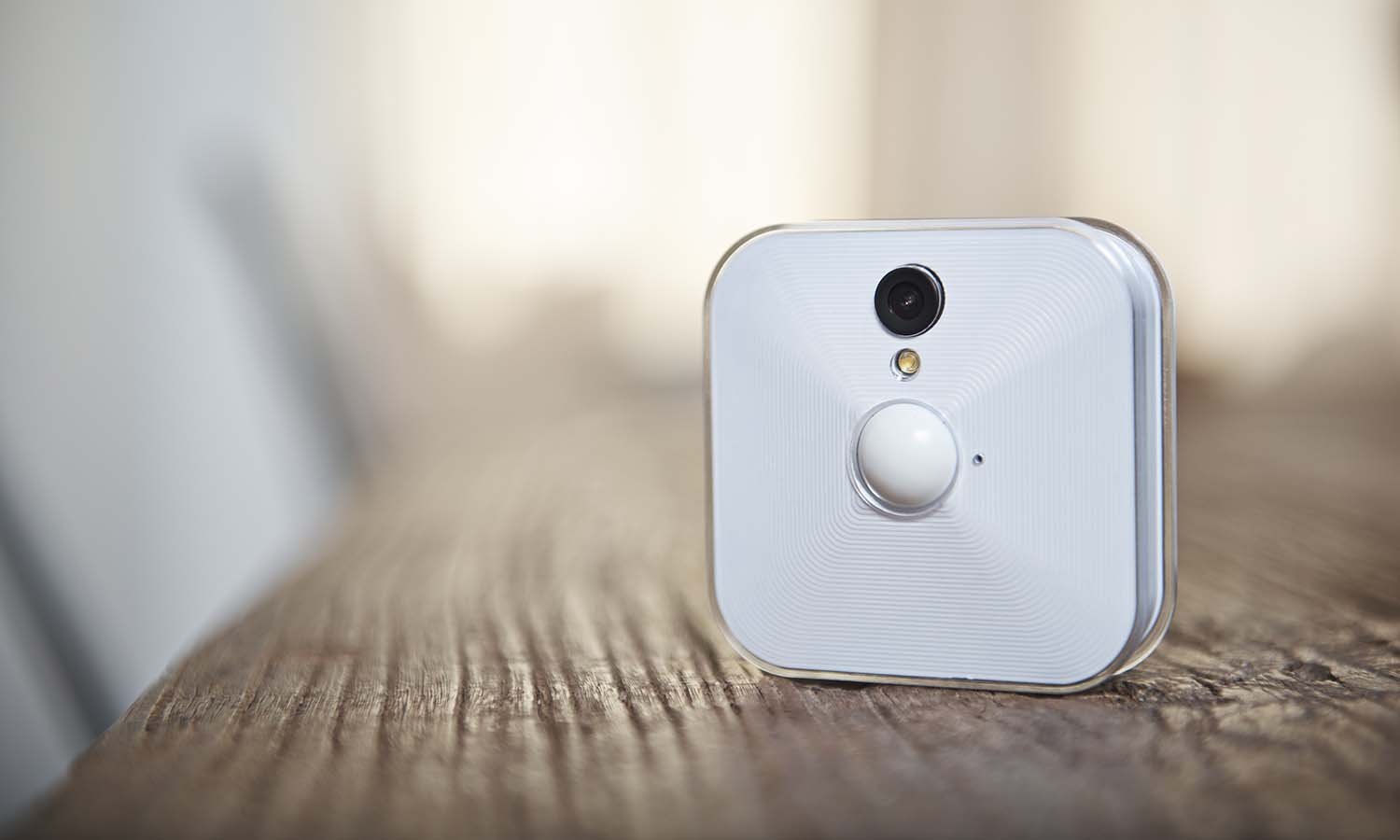
A Blink camera has become one of the most talked-about names in affordable home security, and it’s easy to see why. Homeowners want protection without paying a fortune, and Blink delivers exactly that. Owned by Amazon, this wireless camera system blends simplicity with genuinely useful features like motion alerts, night vision, and cloud storage options.
But is a Blink camera actually worth your money? In this guide, we’ll walk through everything — from how it works to real-world setup tips, common mistakes buyers make, and how it stacks up against competitors. Whether you’re securing a front porch or monitoring a backyard, you’ll leave with a clear, practical answer.
What Is a Blink Camera?
A Blink camera is a battery-powered, Wi-Fi-connected security camera designed for easy DIY installation. Unlike many competitors, Blink cameras run on standard AA batteries that can last up to two years, which removes the hassle of constant recharging or hardwiring.
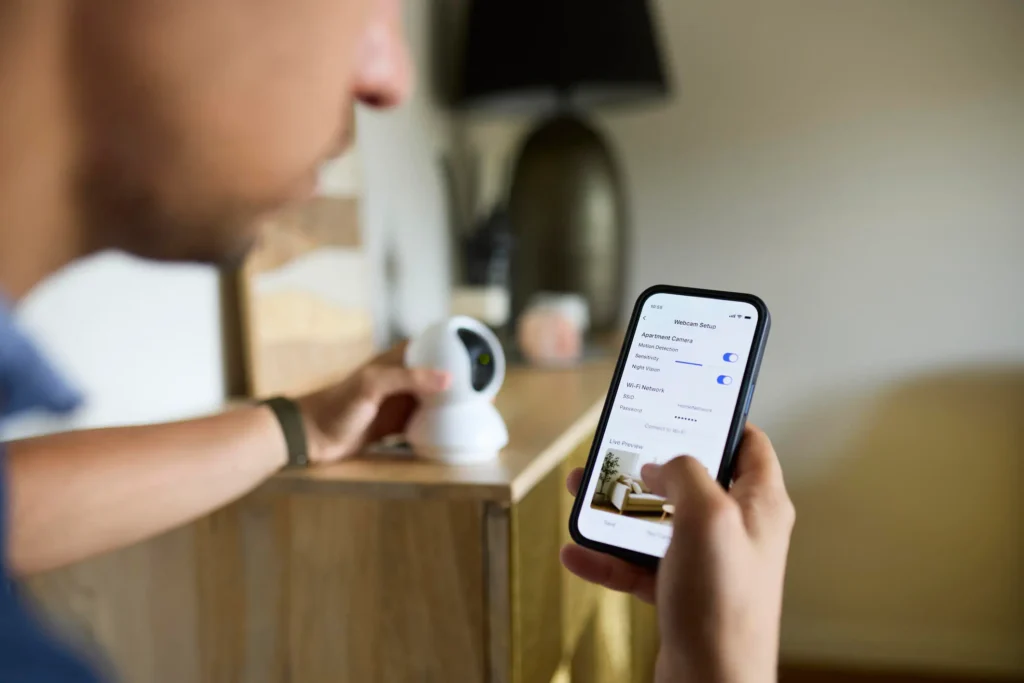
Amazon acquired Blink in 2017, and since then, the brand has expanded into a full ecosystem — including the Blink Mini, Blink Outdoor, Blink Indoor, and Blink Video Doorbell. Each device connects to the Blink app, giving users live view access, motion detection alerts, and optional cloud video history.
How the Blink Camera System Works
Every Blink camera links to a Sync Module, a small hub that connects your cameras to your home Wi-Fi network. This setup allows multiple cameras to work together while keeping battery drain low. When motion is detected, the camera records a short clip and sends a push notification straight to your phone — often within seconds.
Key Benefits of Using a Blink Camera
Choosing the right security camera comes down to real, everyday value. Here’s what makes Blink stand out.
- Affordable pricing — Blink cameras typically cost less than half the price of premium brands like Nest or Arlo.
- Long battery life — Some models last up to two years on a single set of batteries.
- Easy self-installation — No professional installer or complicated wiring is required.
- Alexa integration — Since Blink is an Amazon product, it pairs smoothly with Echo devices and voice commands.
- Flexible storage — Choose free local storage (with the Sync Module 2) or a low-cost cloud subscription.
- Weather-resistant design — Outdoor models withstand rain, heat, and cold with minimal maintenance.
Common Mistakes People Make With a Blink Camera
Even a simple device can be misused. Avoid these frequent errors to get the most out of your system.
- Placing the camera too high or too far. Motion detection accuracy drops significantly beyond 15–20 feet.
- Ignoring firmware updates. Outdated firmware can cause connectivity drops and missed alerts.
- Ignoring Wi-Fi signal strength. Blink cameras need a stable connection; weak Wi-Fi leads to delayed notifications.
- Skipping the Sync Module setup. Without it, cameras can’t communicate properly with the app.
- Overlooking privacy zones. Failing to mask windows or neighboring property can raise privacy concerns.
Expert Tips for Getting the Best Performance
- Mount cameras at a 7-foot height angled slightly downward for optimal motion capture.
- Use lithium batteries instead of alkaline for better cold-weather performance.
- Enable motion zones in the app to reduce false alerts from moving trees or passing cars.
- Pair with Alexa routines to trigger lights or alarms automatically when motion is detected.
- Regularly clean the camera lens — dust and spider webs are common culprits behind blurry footage.
Blink Camera vs. Competitors: Quick Comparison
| Feature | Blink Outdoor | Ring Stick Up Cam | Arlo Essential |
|---|---|---|---|
| Battery Life | Up to 2 years | 6–12 months | 3–6 months |
| Starting Price | Budget-friendly | Mid-range | Premium |
| Local Storage | Yes (Sync Module 2) | No | Yes (with hub) |
| Alexa Integration | Excellent | Good | Moderate |
| Weather Resistance | Yes | Yes | Yes |
| Subscription Required | Optional | Recommended | Recommended |
Is a Blink Camera Worth It?
For most homeowners, yes. A Blink camera hits a sweet spot between affordability and functionality. It won’t outperform premium systems in video resolution or advanced AI detection, but for everyday monitoring — packages, driveways, backyards — it does the job reliably and without draining your wallet.
If you already use Alexa or other Amazon smart home devices, Blink becomes an even easier choice thanks to seamless integration.
Frequently Asked Questions
1. How long does a Blink camera battery actually last?
Most Blink cameras last between six months and two years, depending on usage and temperature. Cold climates and frequent motion triggers can shorten battery life. Using lithium batteries instead of alkaline typically extends performance, especially during winter months when battery drain increases naturally.
2. Does a Blink camera require a monthly subscription?
No, a subscription isn’t mandatory. With the Sync Module 2, you get free local video storage via a USB drive. However, a Blink subscription unlocks cloud storage, person detection, and extended video history, which many users find worthwhile for added convenience and backup security.
3. Can a Blink camera work without Wi-Fi?
No, Blink cameras require a stable Wi-Fi connection to send alerts and stream footage. Without internet access, the camera can’t communicate with the Sync Module or the app, meaning you’d lose real-time notifications and remote viewing capabilities entirely.
4. Is Blink camera footage encrypted and private?
Yes, Blink uses encryption for video transmission and storage. Amazon has implemented privacy controls, including the ability to disable audio recording and set custom motion zones, helping users limit unnecessary footage capture around sensitive areas like neighboring properties.
5. What’s the difference between Blink Indoor and Blink Outdoor?
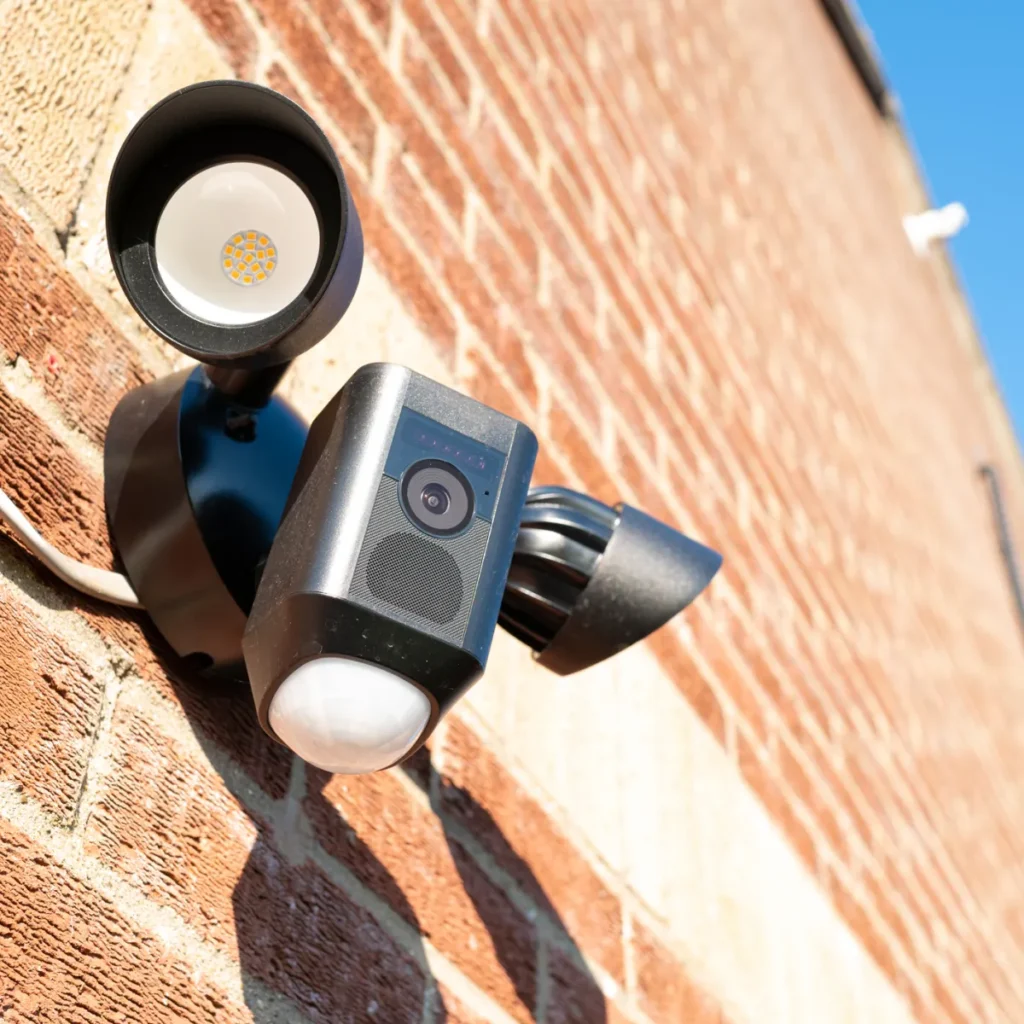
Blink Indoor is designed for use within climate-controlled spaces, while Blink Outdoor features weatherproofing for rain, heat, and cold. Outdoor models also tend to have slightly different mounting hardware suited for exterior walls, eaves, or fence posts.
6. Can I use multiple Blink cameras on one account?
Yes, one Blink account and Sync Module can support multiple cameras across your property. This makes it easy to monitor several entry points — like the front door, backyard, and garage — all from a single app interface.
7. Does Blink camera have night vision?
Yes, all Blink camera models include infrared night vision, allowing clear black-and-white footage in low-light or completely dark conditions. This feature activates automatically once ambient light drops below a certain threshold.
8. How do I fix a Blink camera that keeps going offline?
Offline issues are usually caused by weak Wi-Fi signal, outdated firmware, or Sync Module placement too far from the router. Try repositioning the Sync Module closer to your router and ensure your app and camera firmware are fully updated.
Summary
A Blink camera offers a genuinely practical way to secure your home without the steep costs tied to premium brands. From long battery life to smooth Alexa integration, it’s built for everyday homeowners who want peace of mind without complexity. If you’re ready to upgrade your home security, explore the current Blink camera lineup and find the model that fits your space best.
Discover more trending content only on WorldSnipes.