

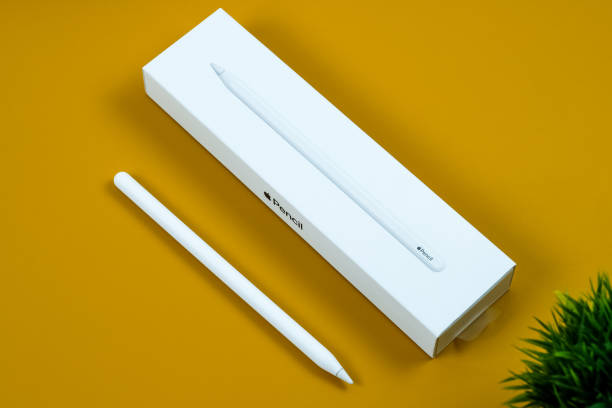
Apple Pencil tips can instantly improve how you use your iPad, whether you’re writing notes, sketching ideas, or handling everyday tasks. Most users only use basic features and miss out on simple techniques that make the experience smoother and more precise. With the right approach, you can turn your iPad into a powerful creative and productivity tool without needing extra apps or complicated setups.
Table of Contents
ToggleUnderstanding How the Stylus Really Works
To get better results, you need to understand how the stylus responds to your hand. It’s designed to detect pressure, tilt, and movement in a very natural way. That means your output depends not only on the device but also on how you use it.
Many beginners struggle because they treat it like a regular pen. In reality, slight changes in angle and pressure can completely change the output. Once you get used to this, your writing and drawing will feel far more controlled.
Apple Pencil Tips for Better Control and Precision
One of the most useful apple pencil tips is learning how to slow down your strokes. Fast movements often reduce accuracy, especially when writing small text or drawing details. Taking your time improves line quality immediately.
Another important factor is how your hand rests on the screen. Even though palm rejection is strong, applying too much pressure can still affect performance. Keeping your hand relaxed gives you smoother results.
You can also adjust stabilization settings in many apps. These settings help smooth out shaky lines without removing your natural style, which is especially useful for beginners.
Make the Most of Pressure Sensitivity
Pressure sensitivity is one of the biggest advantages of using this stylus. Light pressure creates thin lines, while heavier pressure produces bold strokes. Instead of adjusting brush size manually, you can control everything with your hand.
Practicing this technique regularly is one of those apple pencil tips that quickly improves both writing and drawing. It adds depth and makes your work look more natural.
If you’re sketching, try varying pressure within a single stroke. This creates a more dynamic and professional look without extra effort.
Use Tilt for Shading and Effects
Tilt functionality allows you to shade just like a real pencil. When you angle the stylus, the stroke becomes wider and softer. This is perfect for shading, highlighting, or filling larger areas.
Many users ignore this feature, but it’s one of the most practical apple pencil tips for artists. Even for note-taking, it helps when you want to highlight sections quickly without switching tools.
Customize Double-Tap for Faster Workflow
The double-tap feature is a small detail that makes a big difference. With a quick tap, you can switch between tools like pen and eraser or access other shortcuts.
Customizing this setting based on your workflow is one of those apple pencil tips that saves time every day. Instead of breaking your flow to change tools manually, you can stay focused on your task.
Choose Apps That Match Your Workflow
Not all apps deliver the same experience. Some are better for note-taking, while others are designed for drawing or design work. Testing a few options helps you find what feels right.
A good app enhances responsiveness and gives you better control. This is why exploring different options is often included in expert apple pencil tips. The right software can make your device feel completely different.
Improve Your Digital Handwriting
If your handwriting looks messy, you’re not alone. Writing on glass feels different from paper, so it takes time to adjust. One effective method is to write slightly larger than usual.
Zooming in while writing also helps improve precision. Many note apps offer zoom tools that make your handwriting cleaner and easier to read.
Practicing regularly is one of the simplest apple pencil tips that leads to noticeable improvement over time.
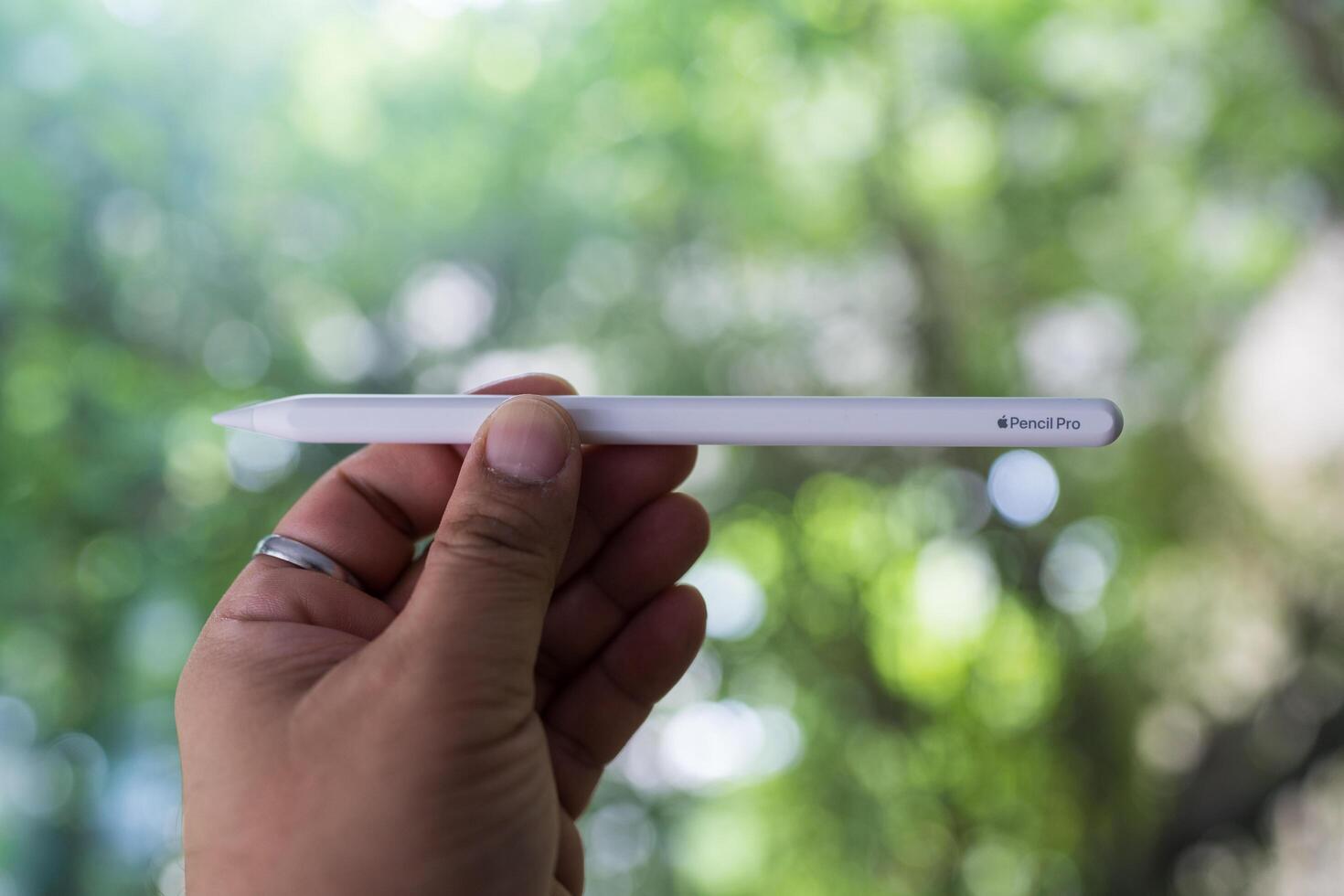
Add a Paper-Like Feel to Your Screen
A glossy screen can feel too smooth, making it harder to control your strokes. A matte screen protector adds friction, which improves accuracy.
This small upgrade is often recommended in apple pencil tips because it changes how the stylus feels instantly. It’s especially helpful for people who write or draw for long periods.
Replace Worn-Out Tips for Consistent Performance
The stylus tip wears down over time, especially with heavy use. A worn tip can reduce precision and make strokes feel inconsistent.
Replacing the tip regularly is one of those apple pencil tips that many people ignore, but it makes a noticeable difference. It keeps your experience smooth and reliable.
Use Gestures Alongside the Stylus
Combining touch gestures with stylus input speeds up your workflow. Simple actions like undo and redo gestures save time and reduce interruptions.
Learning these shortcuts is one of the more practical apple pencil tips for productivity. It allows you to focus on your work instead of navigating menus.
Work Smarter with Layers in Creative Apps
If you draw or design, using layers is essential. Layers let you separate different parts of your work, making edits easier and safer.
Starting with rough sketches and building on top of them is a common approach. This method, often included in advanced apple pencil tips, helps you refine your work step by step.
Build a Comfortable and Efficient Setup
Your comfort affects your performance more than you might think. Holding the stylus too tightly can cause fatigue and reduce control.
A relaxed grip and proper posture improve both accuracy and endurance. These small adjustments are often overlooked but are important apple pencil tips for long-term use.
Stay Consistent and Keep Practicing
Improvement doesn’t happen instantly. The more you use the stylus, the more natural it feels. Even a few minutes of daily practice can make a big difference.
Trying new techniques and exploring features keeps things interesting. Many apple pencil tips focus on consistency because it’s the key to real progress.
Conclusion
Apple Pencil tips are not just about features but about how you use them in daily life. From improving control and mastering pressure sensitivity to customizing shortcuts and refining your workflow, each small change adds up.
When you apply these techniques consistently, your experience becomes faster, smoother, and more enjoyable. Instead of struggling with basic usage, you’ll feel confident using your iPad for both productivity and creativity.
Stay updated and explore more amazing content on the WorldSnipes.
